Home > Help Center > Manage Products
Explore the KUNHIVE Shop Trending Products
In the KUNHIVE Shop, products from various categories are uploaded for customers to select. The specific operation is as follows:
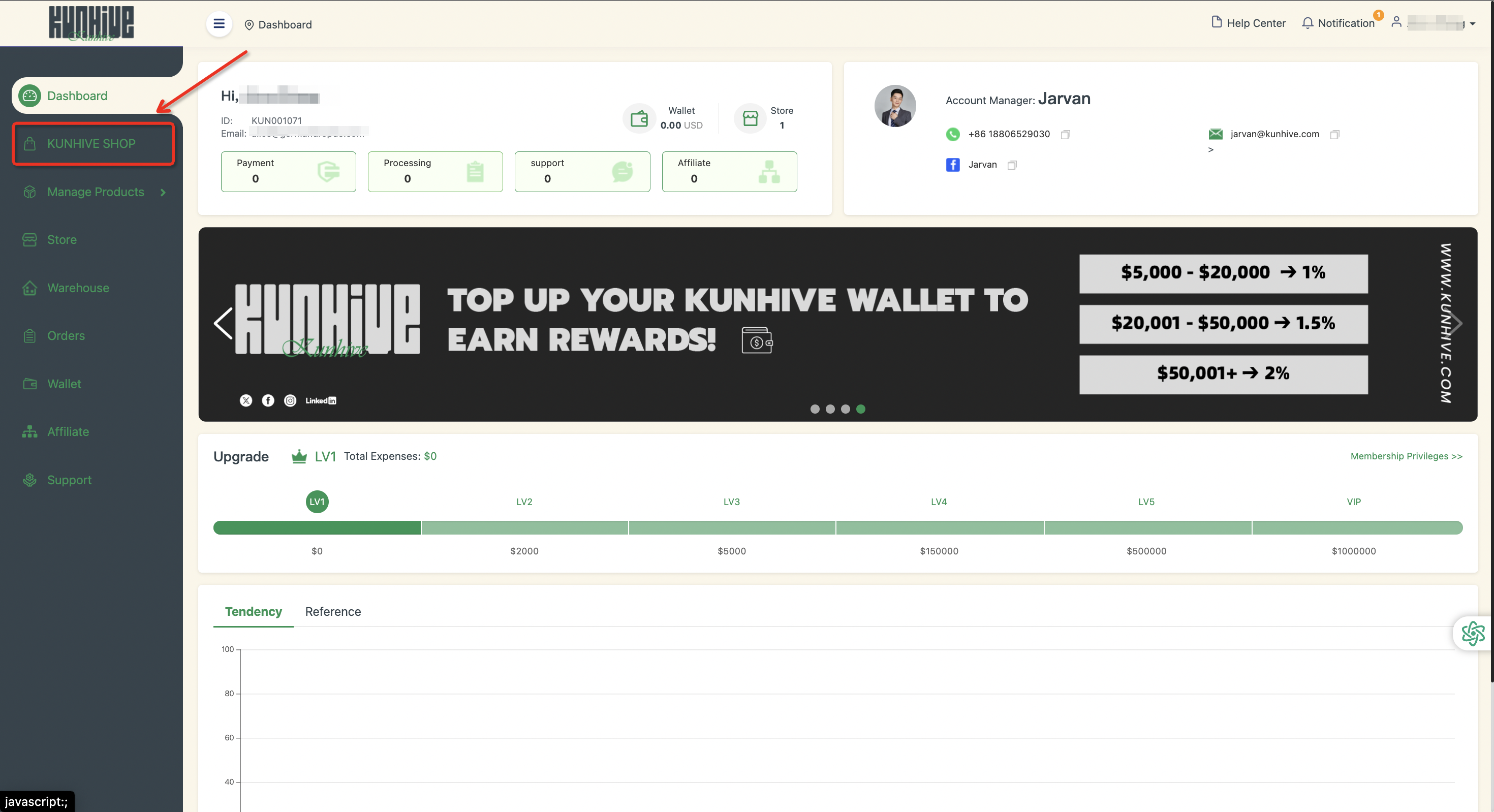
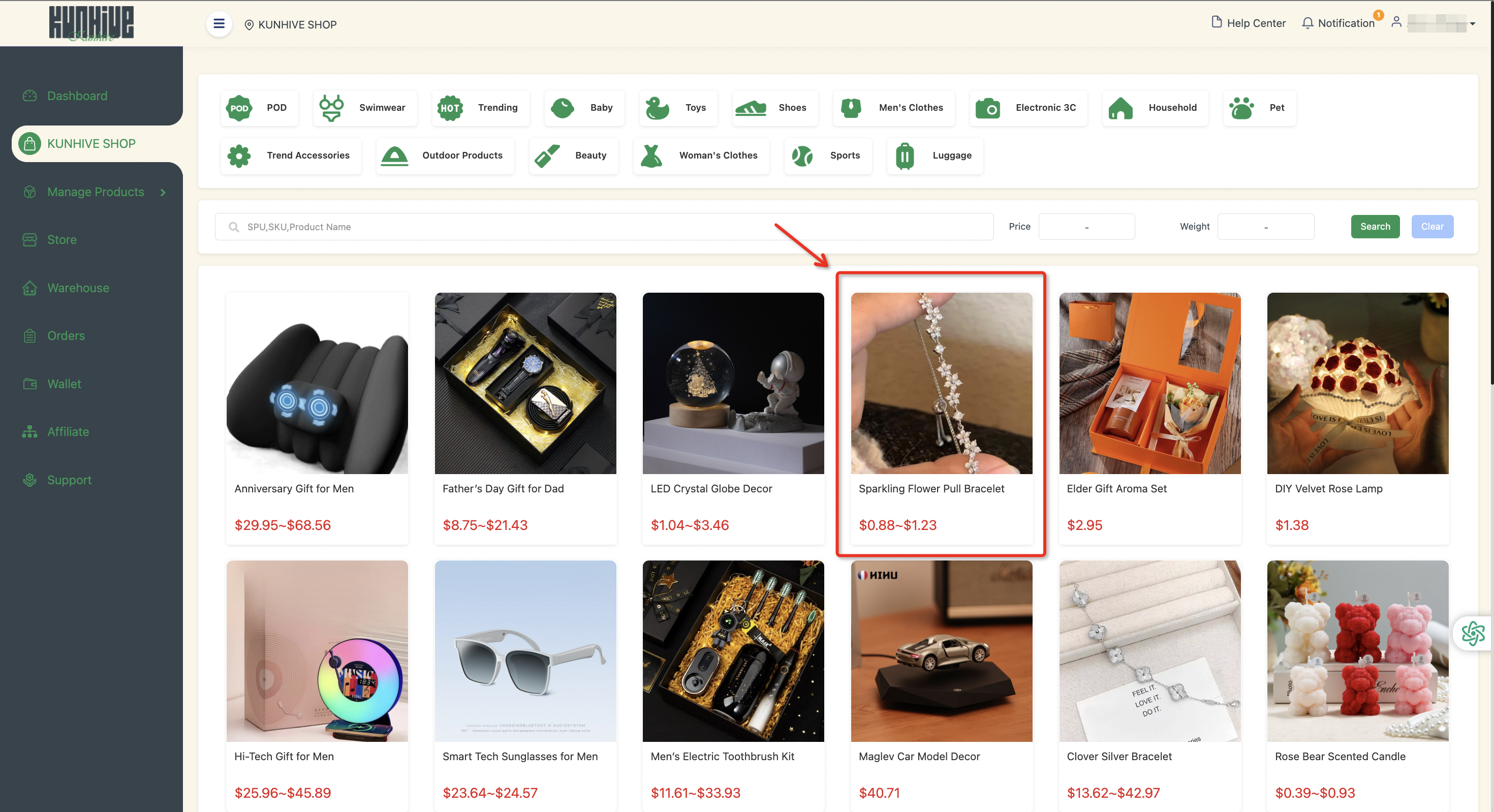
Select ‘KUNHIVE SHOP’ in the ‘Function Bar’ and click on it.
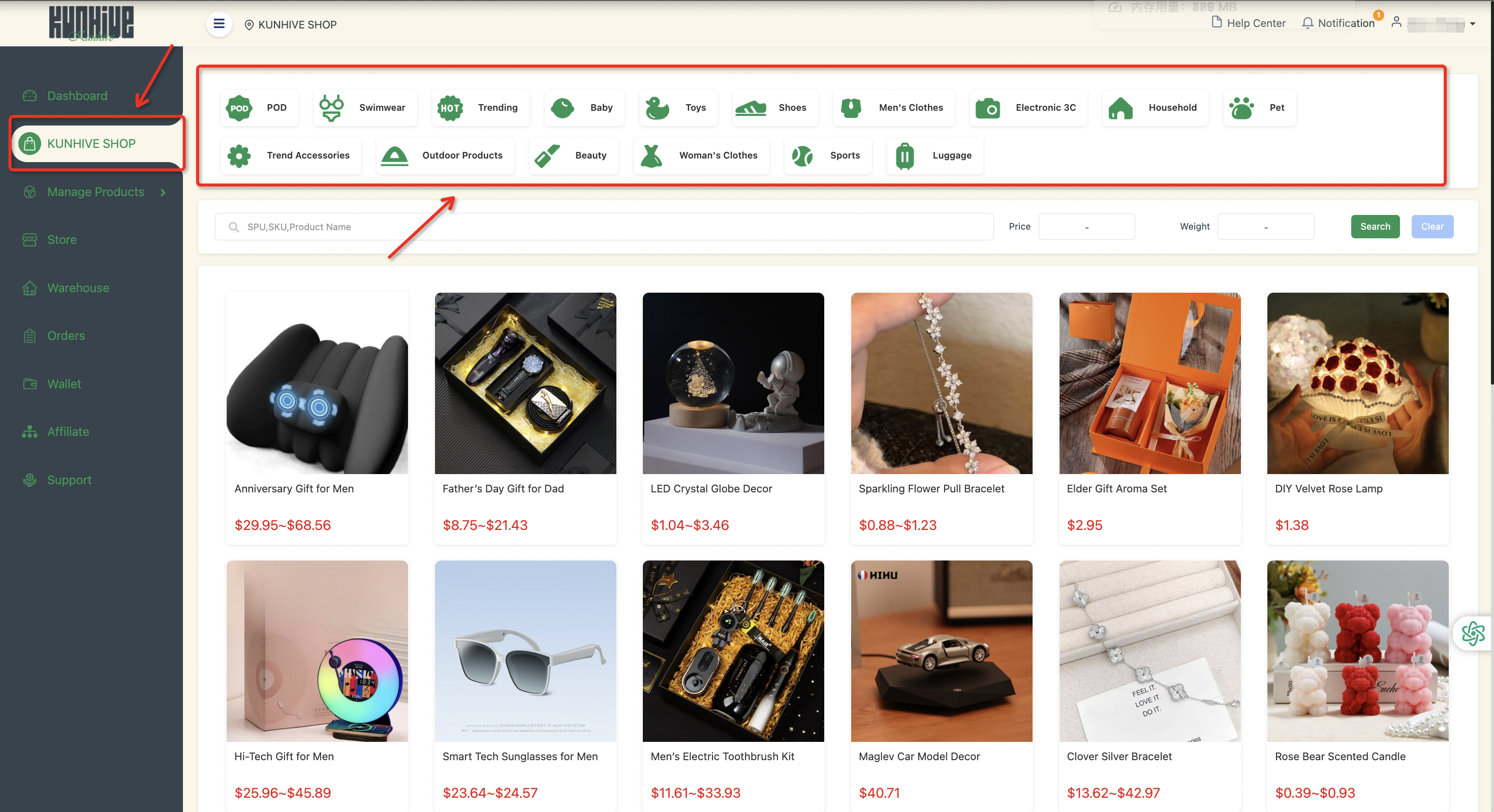
In the center of the ‘KUNHIVE SHOP’ website, you can select products from a variety of categories.
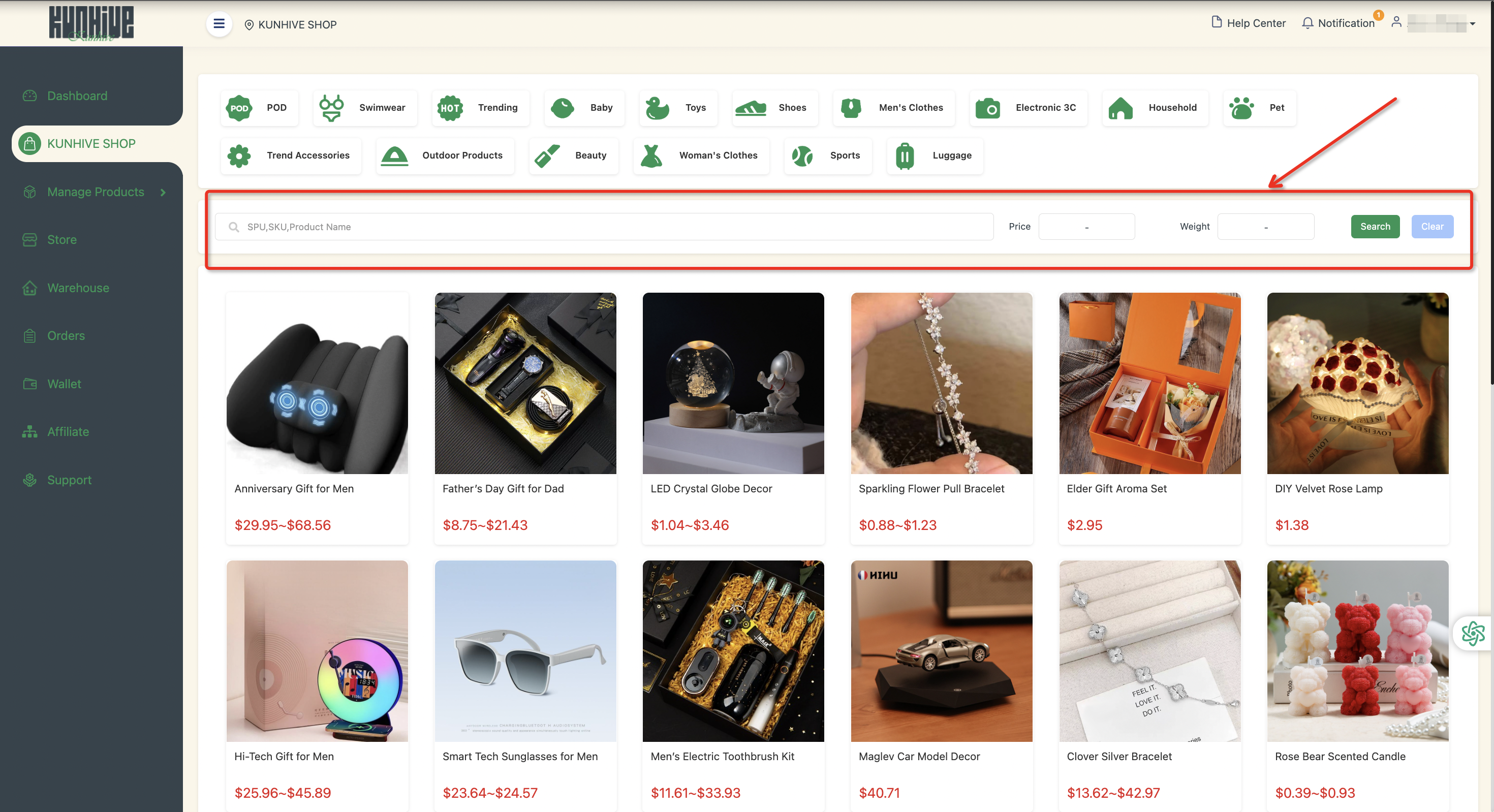
You can filter by product name, SPU, SKU, price zone and weight zone.
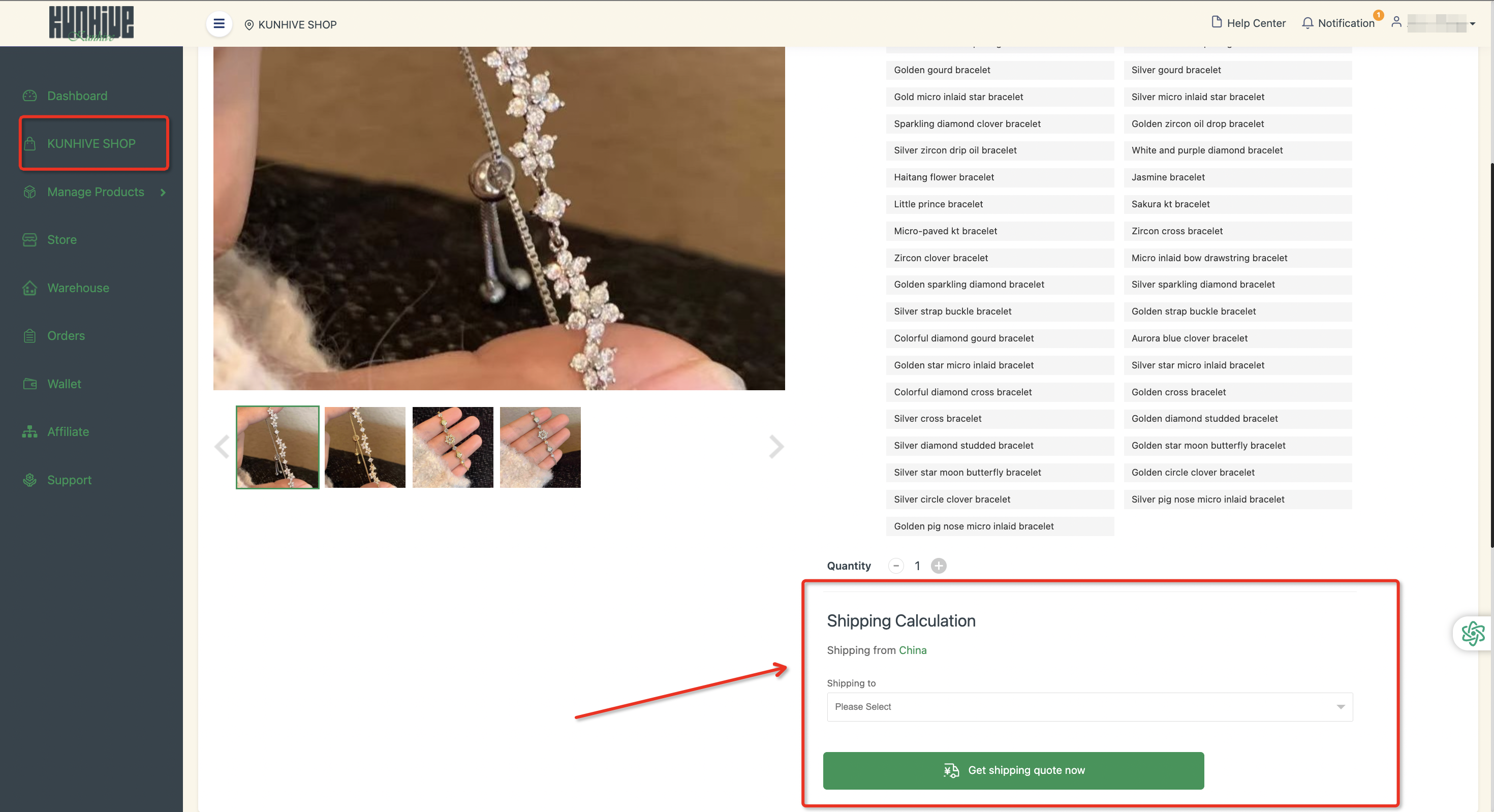
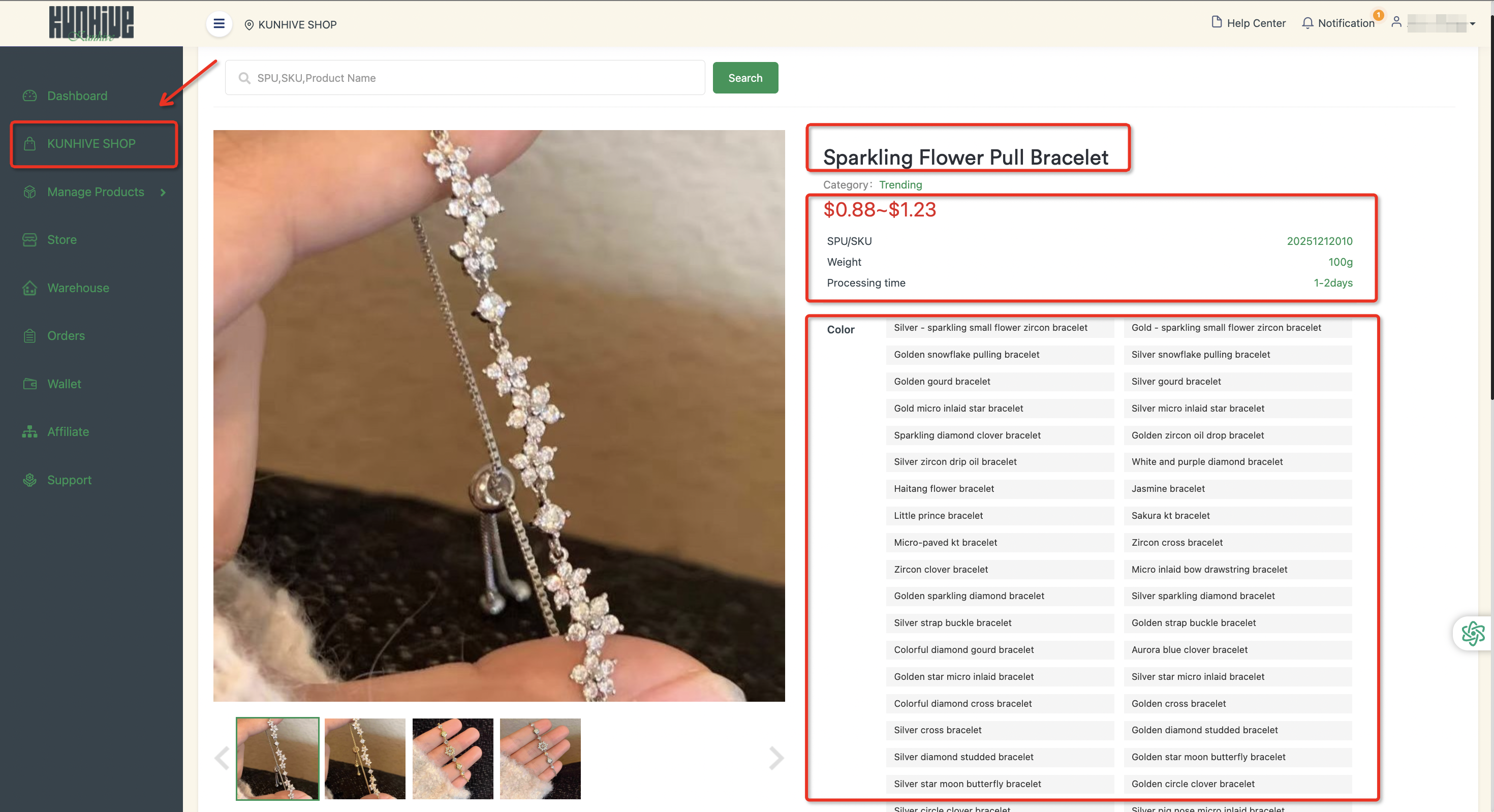
Choose the right product and click on the details. Here you can see the product name, price, SPU, weight, estimated delivery time, color, quantity, shipping and receiving location.
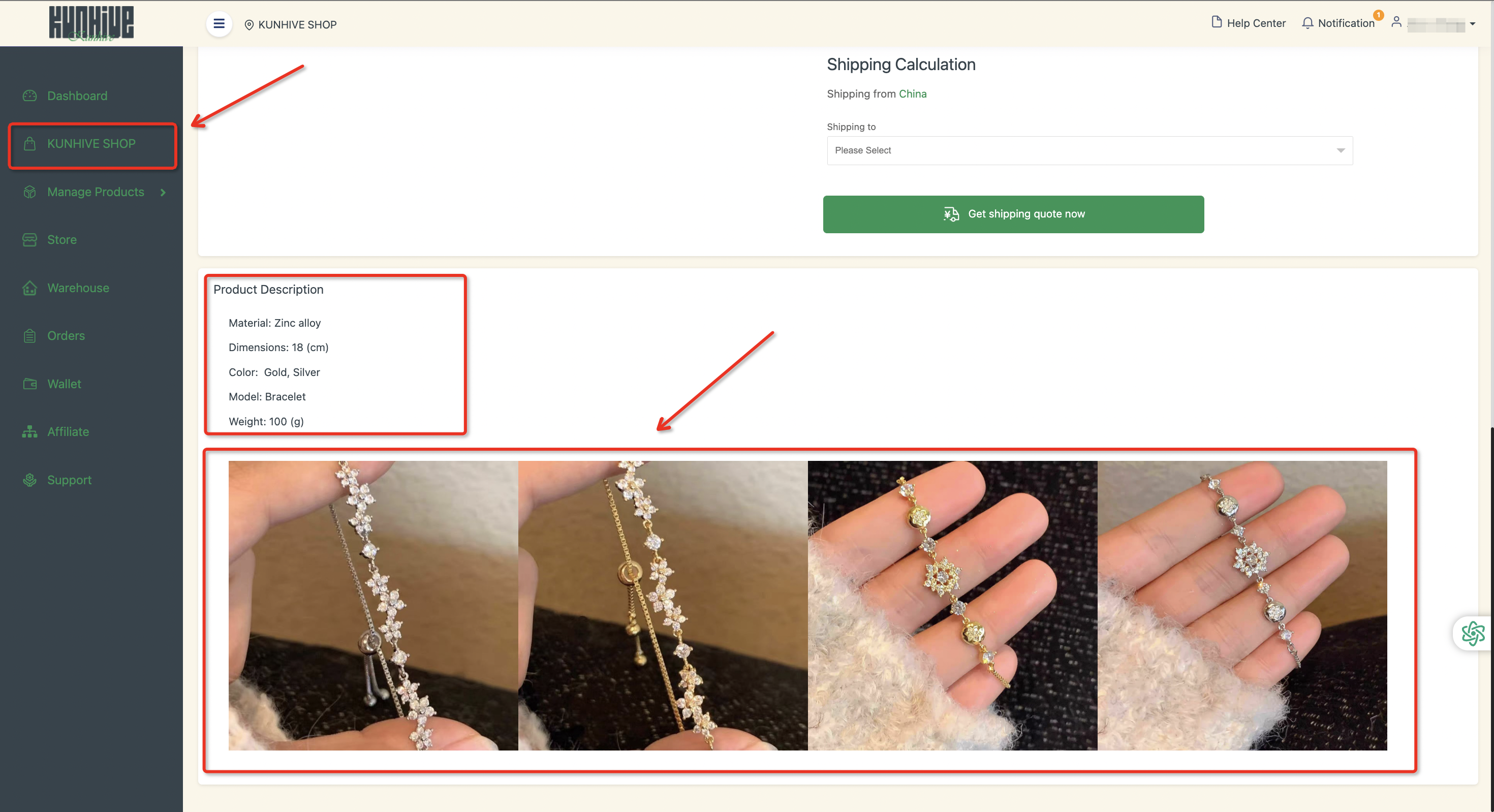
Continuing down the page, you can see a detailed product description containing more information as well as more pictures.
If you are interested in purchasing a product, please contact your customer service!