The Advantage of Bank Transfer
In the KUNHIVE App, the 'Wallet' area provides a comprehensive view of the payment methods we support. It also details the favorable conditions we offer for adding funds to your wallet and obtaining rebates.
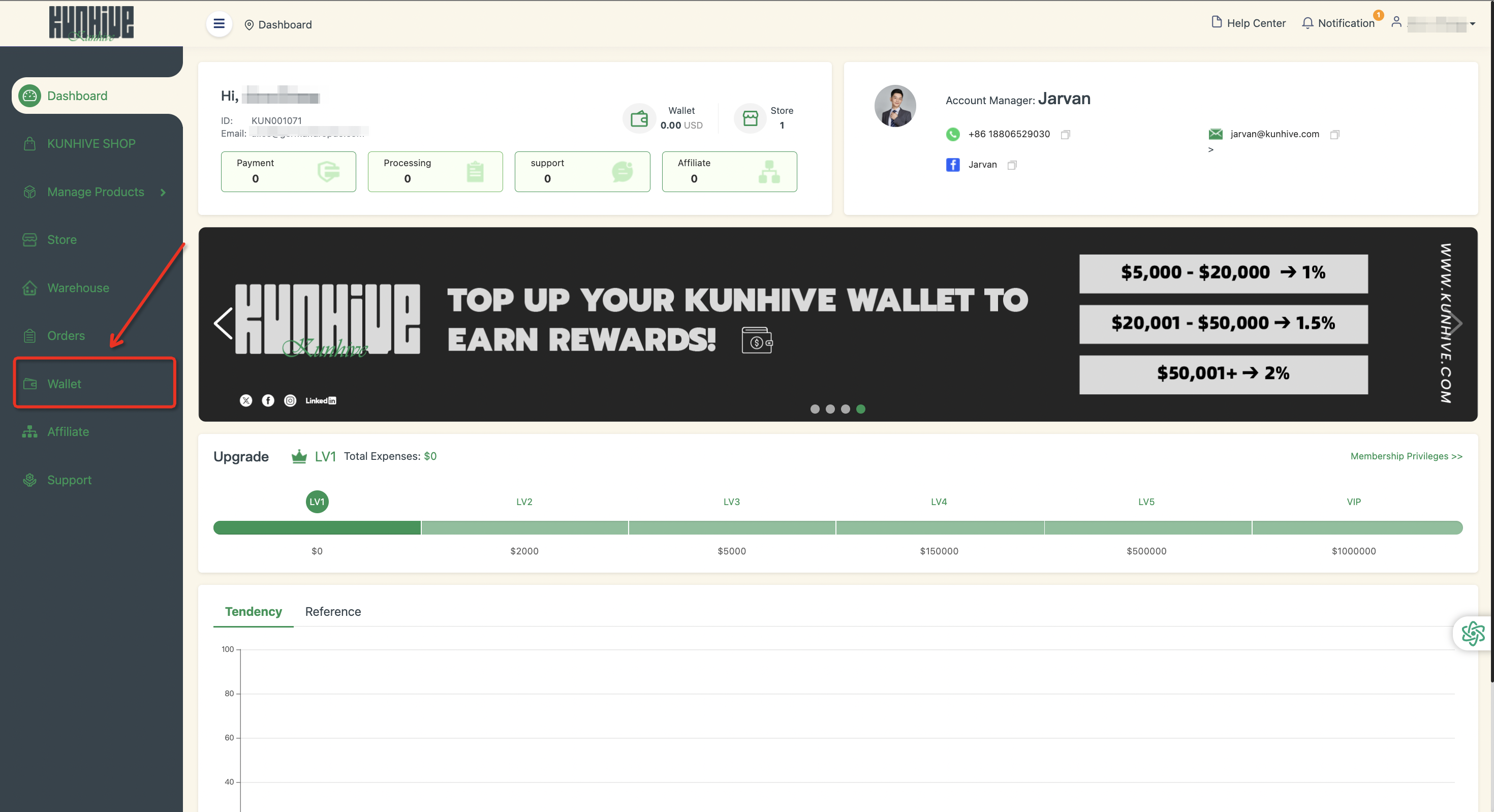
To encourage the use of the wallet feature, we have a special promotion for users who refill their wallet via Bank Transfer. When you reach a particular top - up sum, you will be eligible for a bonus.
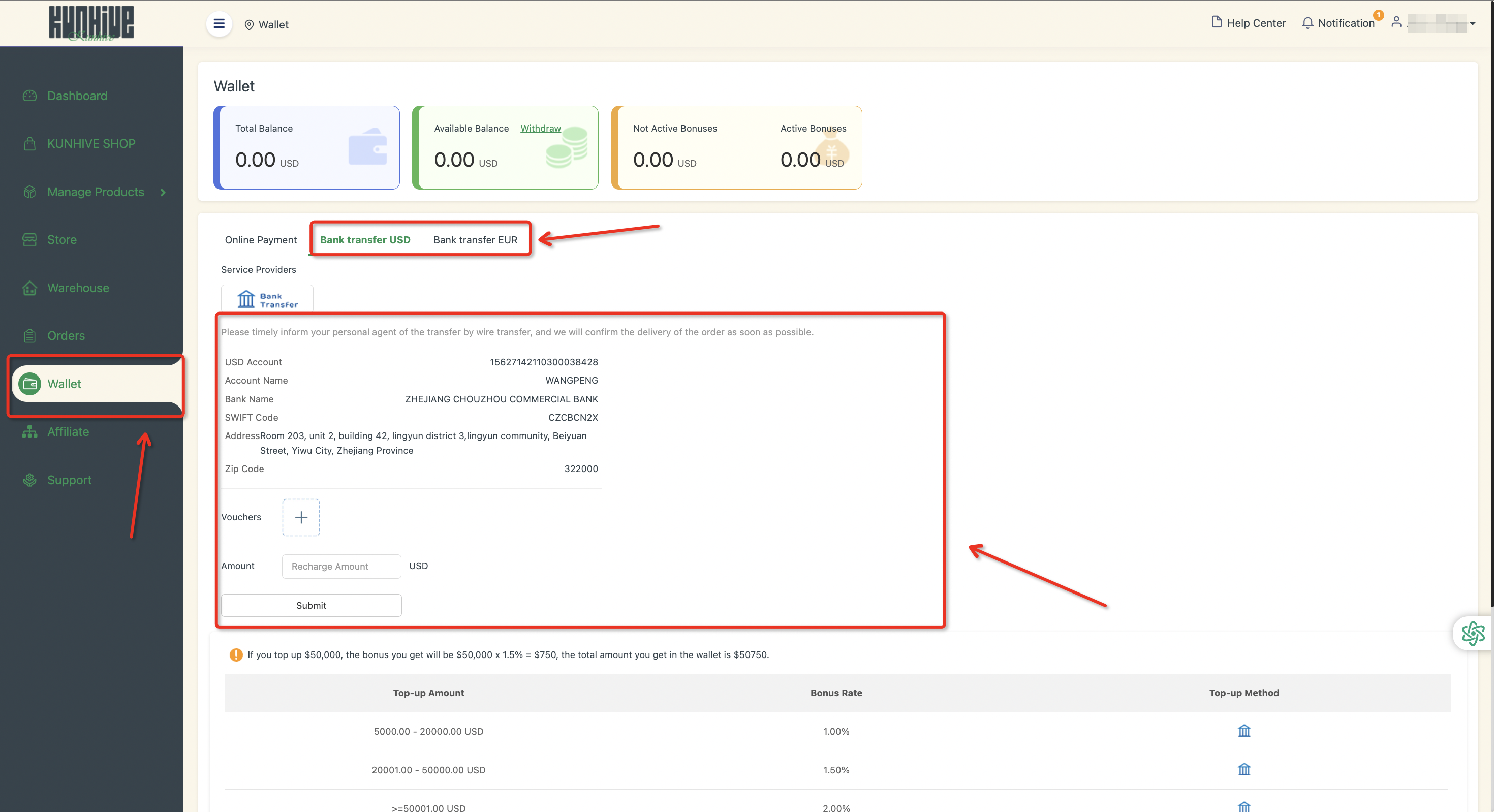
Here’s how it works:
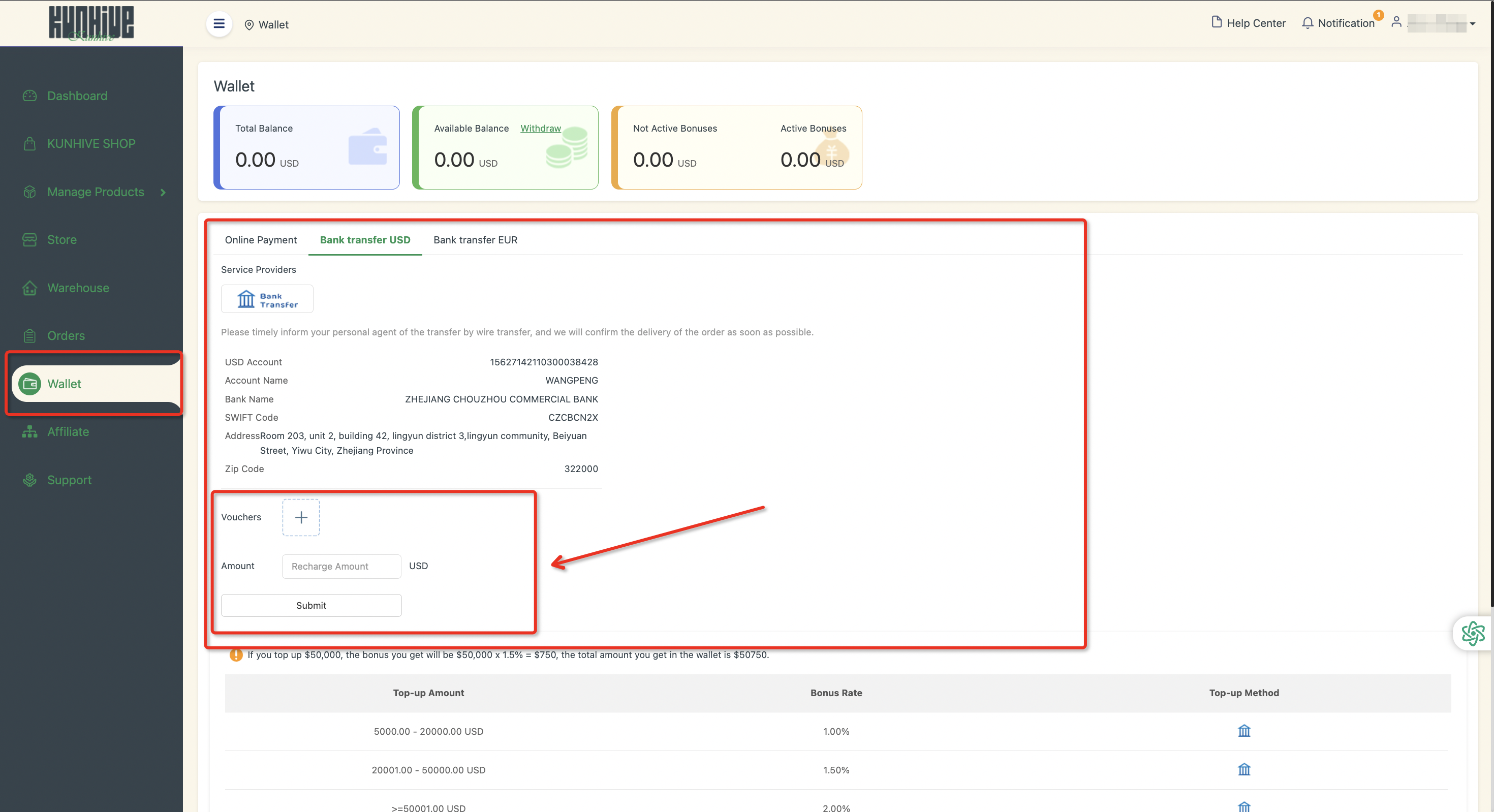
After adding funds to your wallet, kindly upload the required certification and indicate the amount you've recharged in the designated area. Once done, just submit your application.
Our team will carry out an examination of both our bank account and your provided certification. If everything checks out and no problems are detected, we will credit the bonus to your wallet, and it will become visible in your account balance.
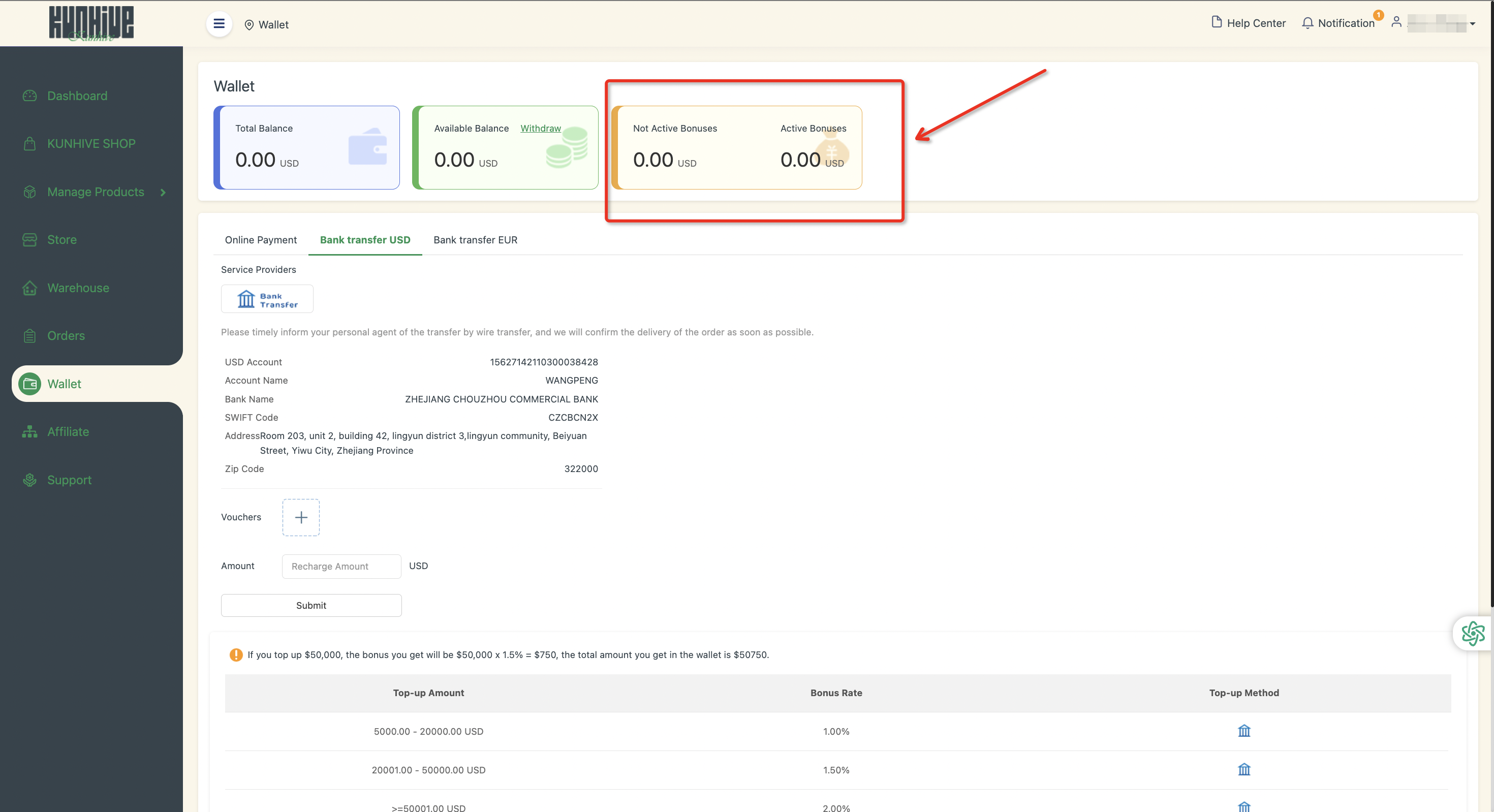
Notice: Please be aware that both the funds you've topped up and the bonus in your wallet can be smoothly used for payments on the KUNHIVE platform. This guarantees a hassle - free and efficient payment process for you.
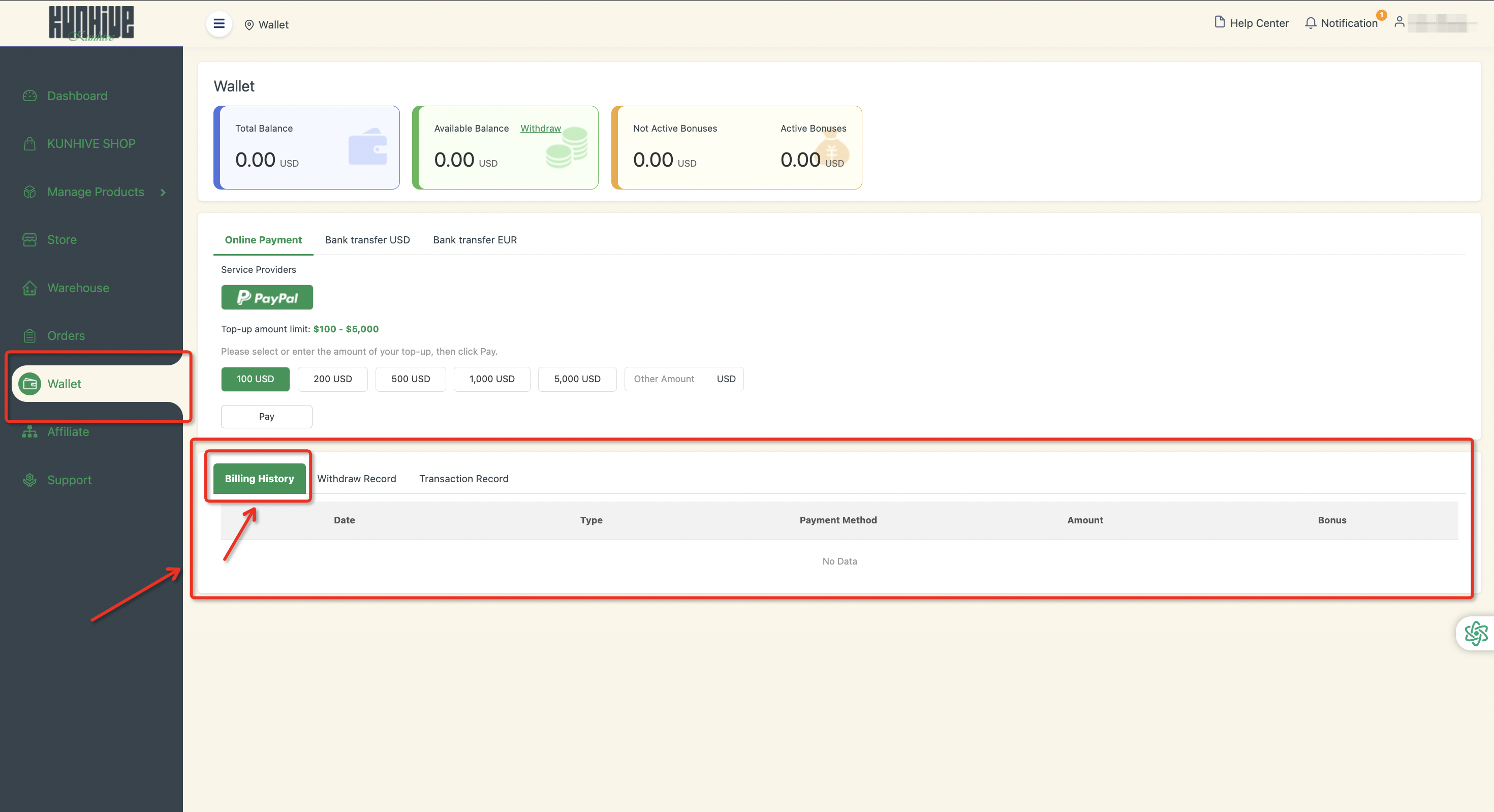
If you wish to check your past payment records, just go to this particular section. It offers crucial information such as the payment date, the amount paid, the payment methods employed, and the type of payment. We are firmly dedicated to transparency and convenience, aiming to provide our esteemed customers with a seamless experience.
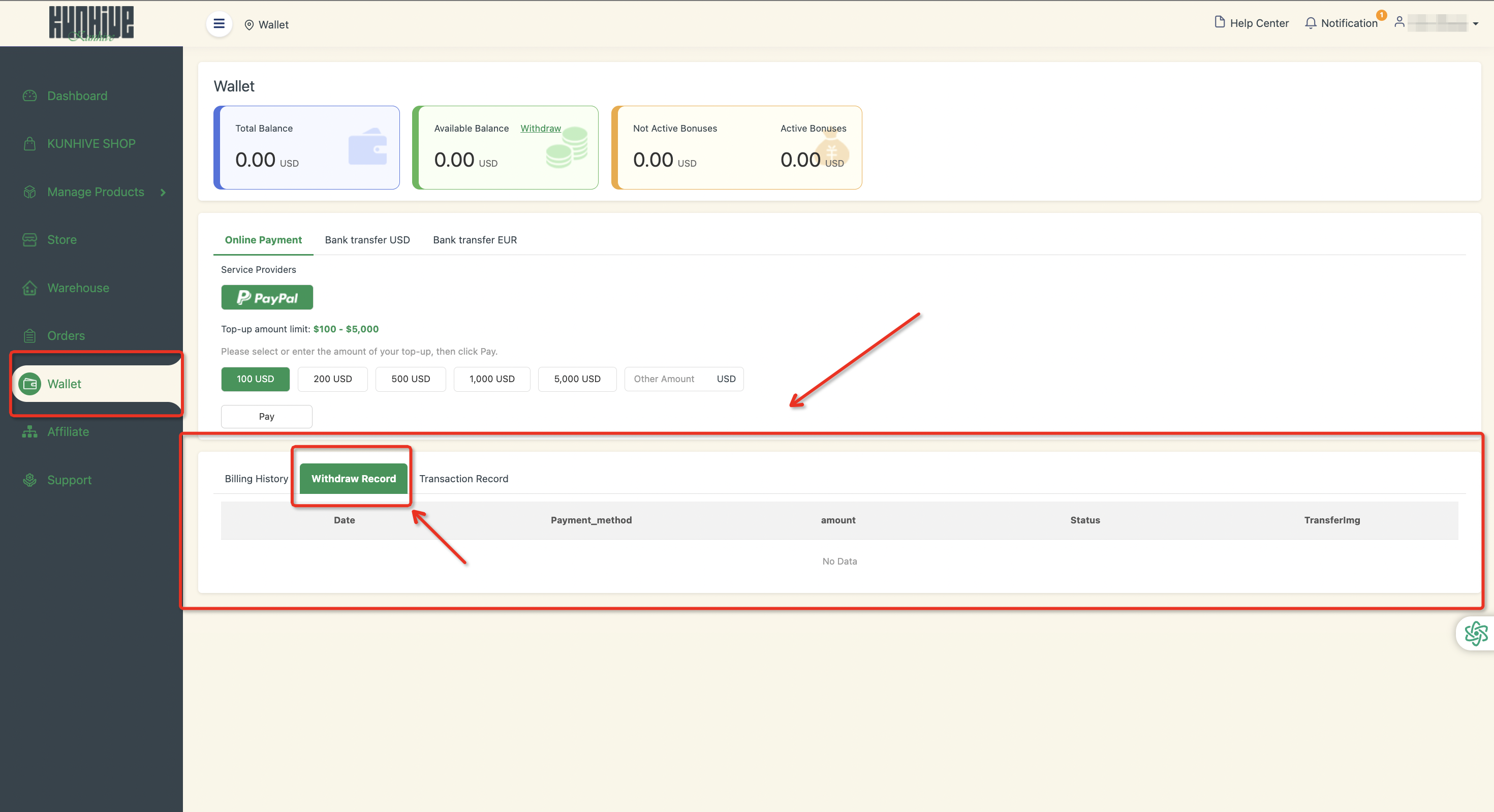
If you have unused funds or choose to stop using the service, you can withdraw the available balance from your GD Wallet. Each withdrawal record includes:
lWithdrawal amount
lMethod
lStatus
Review detailed payment information for each order, including:
lOrder date
lAmount paid
lOrder type
lOrder number
Each order is assigned a unique order number. You can quickly find specific transactions by filtering records by date or order number.
